
PDF to HTML API & SDK
Convert Documents with Adaptive Precision
Transform Static Documents into
Responsive Web Content
Our PDF to HTML conversion technology transforms fixed-format PDF documents into flexible, responsive HTML content. Built specifically for development teams and software vendors who need reliable document processing capabilities, this API and SDK solution parses PDF structure at the element level—preserving text, images, and layout while enabling responsive display across devices.
Unlike basic converters that simply render PDFs as images, our conversion engine maintains text searchability, preserves document structure, and delivers clean HTML code that can be further manipulated programmatically. This makes it ideal for content management systems, document archives, and web publishing platforms where content needs to adapt to different screen sizes.
The PDF to HTML API supports both synchronous and asynchronous processing models, making it suitable for both real-time user-facing applications and high-volume batch processing workflows. Whether you're building a document management system, content migration tool, or publishing platform, our conversion technology provides the technical foundation for accurate, reliable PDF-to-HTML transformation.
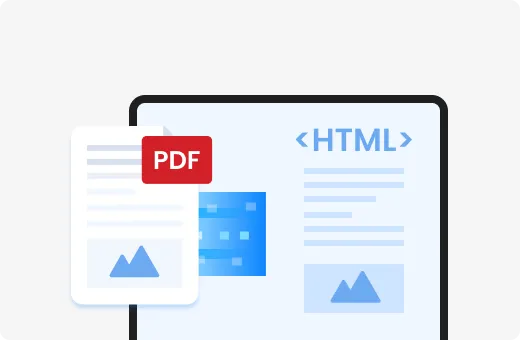
Flexible Conversion Modes
The API supports multiple conversion approaches to meet different technical requirements:
- Reflow Mode
Creates responsive HTML that automatically adapts to different screen sizes and devices
- Hybrid Mode
Combines both approaches for complex documents with mixed content types
- Fixed Position Mode
Maintains exact visual positioning when pixel-perfect layout reproduction is required
Complete Package Delivery
When converting PDF to HTML files, you receive a complete package containing the HTML page along with all associated images and resources, delivered in a single .Zip file. This eliminates the complexity of managing multiple folders or additional files, simplifying integration into your application or workflow. The package structure makes it straightforward to host or further process the converted content.
POST/html-to-pdf/v1
Content-Type:multipart/form-data

[email protected]
format=A4
Asynchronous Processing Model
The API implements an asynchronous processing model for handling larger documents and high-volume workloads:
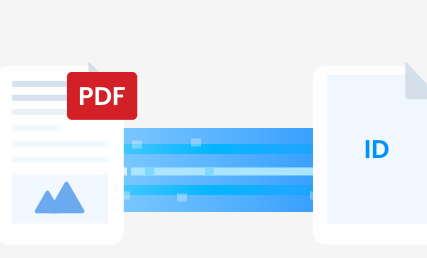

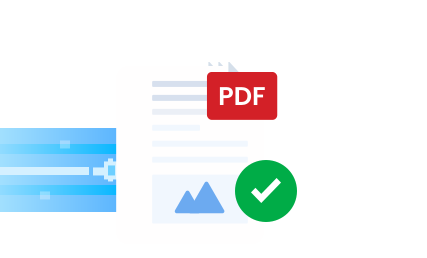
This approach prevents timeout issues with large documents and enables efficient batch processing for document-heavy workflows.
Technical Advantages Over Alternative
Approaches
SDK vs. SaaS Conversion Services
Unlike browser-based PDF viewers that simply render static documents, our conversion technology transforms PDFs into truly responsive web content. The resulting HTML can be:
Further modified using standard web development tools
Integrated into existing content management systems
Styled with custom CSS for brand consistency
Enhanced with JavaScript for interactive features
Indexed by search engines for improved discoverability
The API provides granular control over the conversion process through request parameters and configuration options. This enables developers to:
Fine-tune the balance between fidelity and responsiveness
Implement custom error handling for problematic documents
Process documents in batches with consistent results
Integrate conversion into automated workflows
-
API Reference
The PDF to HTML conversion is accessible through a RESTful API endpoint:
POST/html-to-pdf/v1
Request Parameters
Response Codes
Example Response
{
"id":"3fa85f64-5717-4562-b3fc-2c963f66afa6"
}
Frequently Asked Questions
What is the process of changing a PDF to HTML format?
Converting PDF to HTML involves parsing the content and creating HTML tags to replicate the structure of your PDF. Our conversion engine analyzes the document structure, identifies text blocks, images, tables, and other elements, then generates corresponding HTML markup that preserves both content and layout while enabling responsive behavior.
How do I convert a PDF to HTML using the API?
After authenticating with the API, you can submit a PDF file for conversion either by uploading the file directly or providing a URL where the PDF can be accessed. The API processes the document and returns an operation ID, which you can use to check conversion status and retrieve the resulting HTML package when processing is complete.
What are the technical limitations of the conversion process?
The API currently supports PDF files up to 10MB in size. Certain complex PDF features like embedded fonts, complex vector graphics, and interactive forms may be converted with varying degrees of fidelity. Documents with heavy use of custom fonts or complex layouts may require additional styling for optimal display.
Can I customize how tables and forms are processed?
Yes, the API provides parameters for controlling how specific document elements are handled during conversion. For tables, you can specify whether to preserve exact layout or convert to responsive HTML tables. Form fields can be converted to standard HTML input elements or maintained as static content depending on your requirements.
How does the conversion handle document security?
The API respects document security settings. If a PDF has printing or copying restrictions, you'll need appropriate permissions to convert it. All document processing occurs within secure environments, and converted content is not stored longer than necessary to complete the requested operation. Size and daily usage limitations may apply based on your subscription plan.
Get Started with PDF to HTML Conversion
Authenticate with the API using your developer credentials
Submit PDF content via direct upload or URL
Monitor conversion status using the operation ID
Retrieve the converted HTML package when processing completes
Integrate the HTML content into your application or website
Access Developer Documentation for detailed implementation guides
View API Reference for complete endpoint specifications
Start Technical Trial to test with your own documents
-
-
Transform your static PDF documents into responsive, web-ready HTML today with our developer-focused conversion technology.