
Delete PDF Pages API & SDK
Programmatic Control for PDF Page Removal
Precision PDF Page Management for Developers
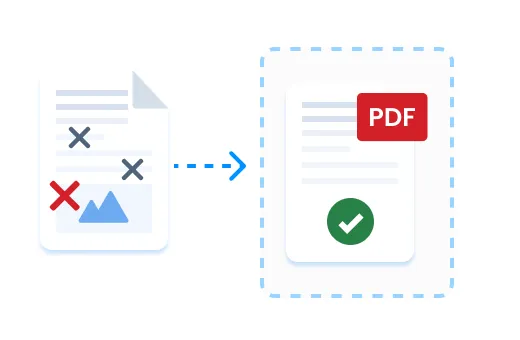
The Delete PDF Pages API and SDK provides developers with programmatic control to selectively remove pages from PDF documents. Built for software developers, automation engineers, and technical teams who need to integrate document manipulation capabilities into their applications, this solution eliminates the limitations of manual PDF editing.
Our implementation offers granular control over which pages are removed while maintaining document integrity and structure. Whether you're building document workflow automation, content management systems, or document processing applications, the Delete PDF Pages functionality integrates seamlessly with minimal code overhead.
The API and SDK handle password-protected documents, support precise page selection through individual numbers or ranges, and process documents efficiently with optimized memory usage—making it ideal for both desktop applications and server-side implementations.
Key Technical Features
Flexible Page Selection Syntax
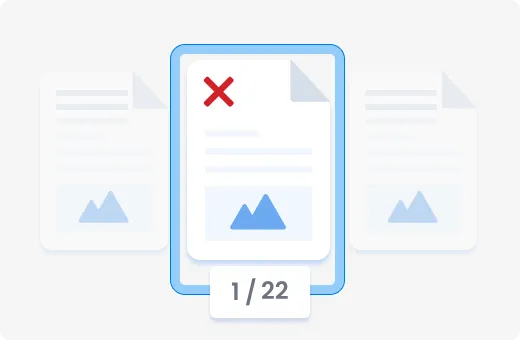
The Delete PDF Pages API accepts standard page notation for targeting specific content. Specify individual pages with comma separation (e.g., "1,3,5") or page ranges with dash notation (e.g., "3-7"). This precise selection capability ensures only unwanted content is removed while preserving critical document sections.
// Example page selection syntax
pages: "1,3,5-9,15"

This granular control is essential for automated document processing where specific pages need removal based on content analysis or document structure.
RESTful API Implementation
Our REST API endpoint (POST /delete-pdf-pages/v1) accepts multipart form data with three key parameters: the PDF file (binary), an optional password for protected documents, and the pages string specifying which pages to delete. The asynchronous operation returns a 202 status code with an operation ID for status tracking.
POST/delete-pdf-pages/v1
Content-Type:multipart/form-data

file: [binary PDF data]
password: "optional_password"
pages: "3-7,9,12"

Response:
{
"id":"3fa85f64-5717-4562-b3fc-2c963f66afa6"
}
This implementation allows for easy integration into any application capable of making HTTP requests, regardless of programming language or platform.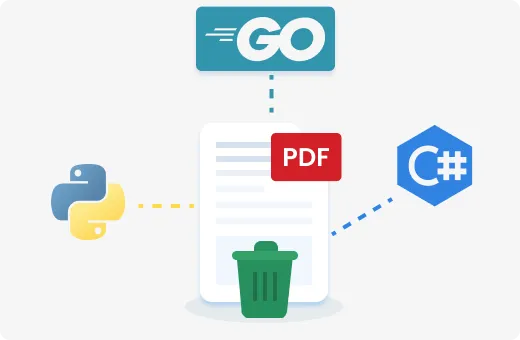
Asynchronous Processing
For larger documents or batch operations, the API implements an asynchronous processing model. Operations return immediately with an operation ID, allowing client applications to continue execution while the document processing occurs on the server side.
GET/operation/v1/{operationId}/status

This design pattern prevents blocking operations and timeout issues when processing complex or large documents, making it ideal for server-side implementations and automated workflows.
Complementary PDF Tools
The Delete PDF Pages API and SDK integrates seamlessly with our broader document processing ecosystem, including:
- Split PDF
Divide documents into multiple files based on page ranges
- Format Conversion
Convert between PDF and other formats (Word, PowerPoint, Excel, JPG)
- Rotate PDF
Adjust page orientation programmatically
These complementary tools enable comprehensive document workflow automation when combined with the Delete PDF Pages functionality.
Get Started with Delete PDF Pages

Access Developer Documentation
Our comprehensive documentation includes language-specific guides, code examples, and API references to help you implement PDF page deletion quickly and effectively.Start Your Free Technical Trial
Experience the full capabilities of our Delete PDF Pages API and SDK with a no-obligation technical trial that includes full access to all features and technical support.View API Reference
Explore the complete API specification, including endpoint details, request/response formats, and status codes to plan your implementation.